The KODAK Slide N Scan is designed to turn selected film negatives and slides into JPEG files, with an on-device screen for previewing and basic edits.
This kodak slide n scan film & slide scanner review looks at its supported formats, direct SD card saving, and the tradeoffs to consider before starting an archive project.
Slide N Scan Review Summary
The quick verdict
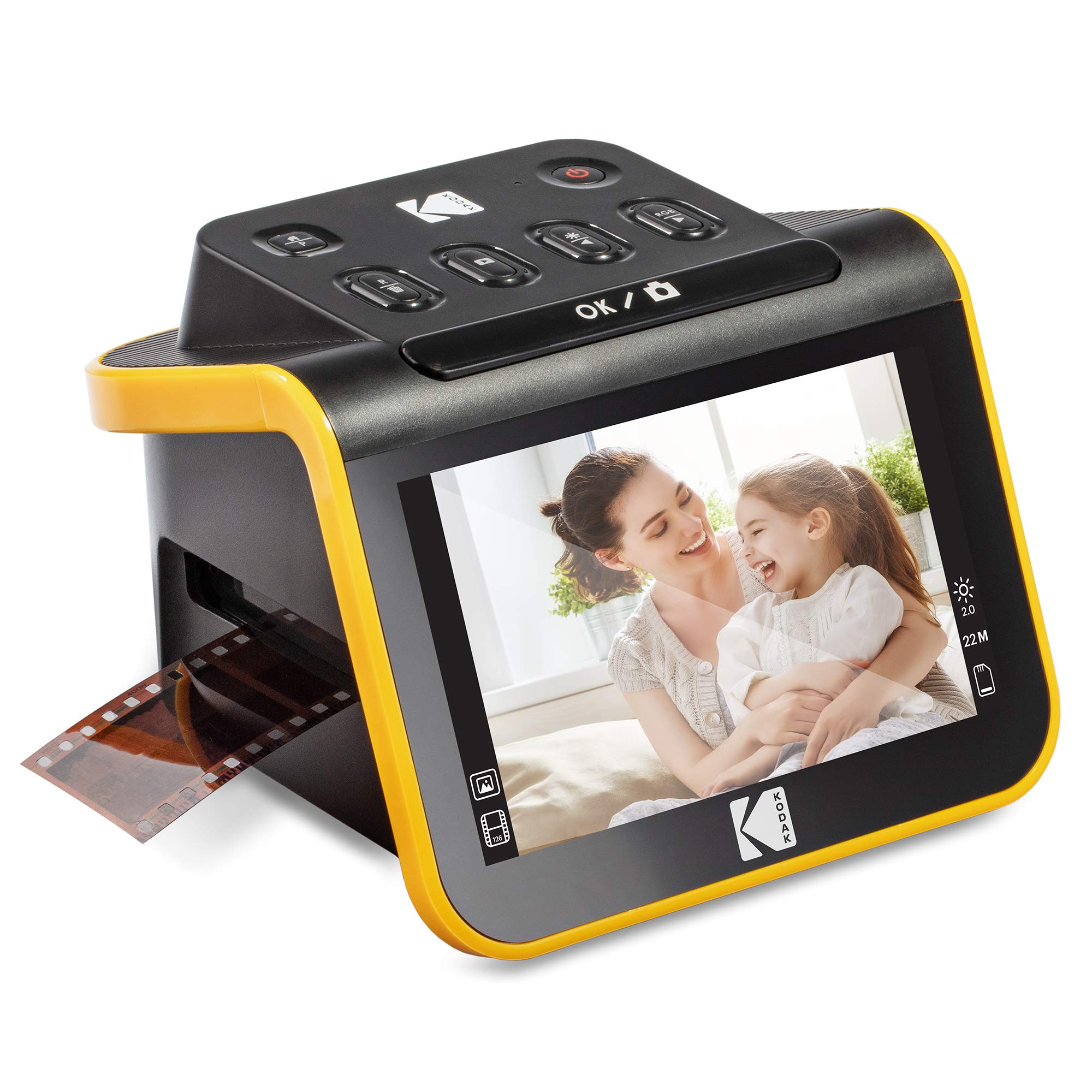
12,000+ ratings
Read Amazon ReviewsKODAK Slide N Scan
A practical fit for people digitizing 135, 110, and 126 negatives or slides who want to preview and save scans without a complicated setup.
- Converts 135, 110, and 126 negatives, including color and black-and-white film, as well as 50mm, 135, 110, and 126 slides.
- Produces JPEG digital files with an output claim of up to 22MP.
- A 5-inch LCD with a wide viewing angle supports previewing, editing, and gallery browsing on the device.
- Quick-feeding tray technology is designed for continuous loading; included inserts and adapters cover the stated film types.

Pros
- Large built-in screen makes it easier to preview scans without immediately moving files to another device.
- Direct card saving and on-device controls create a relatively self-contained digitizing workflow.
Consider before buying
- The stated film support is limited to 135, 110, and 126 negatives and slides, so buyers should check every format in their collection before choosing it.
- SD or SDHC storage is required for direct saving and is not included; supported capacity is up to 32GB.
Read the full review summary
This scanner combines a 5-inch LCD, a quick-feeding film tray, and one-touch capture software in a self-contained workflow.
It supports 135, 110, and 126 negatives and slides, and saves scans to an SD or SDHC card, so a computer does not have to be part of every capture session.
It suits households with a modest collection in those formats who value convenient previewing and simple adjustments.
The advertised 22MP output and compact workflow may be appealing for sharing and general digital access, while buyers with other film formats or more demanding editing needs should confirm that its format support and controls fit their project.
The buying factors
Slide N Scan Scorecard
Editorial scores reflect listed features and buyer fit; they are not laboratory measurements or customer ratings.
Format coverage
Supports 135, 110, and 126 negatives and slides, covering several common family archive formats.
On-device preview
The 5-inch LCD and gallery mode make it possible to review images on the scanner.
Capture workflow
A quick-feeding tray and single scan button are designed to keep the process straightforward.
Basic editing
The listed controls include film type, color, brightness, image size, and date or time assignment.
File handling
Direct saving to SD or SDHC cards supports a computer-free capture workflow, though cards are not included.
Project flexibility
The named film formats are useful for compatible collections, but buyers should verify that their entire archive fits them.
Key Features and Specifications of Slide N Scan
- Converts 135, 110, and 126 negatives, including color and black-and-white film, as well as 50mm, 135, 110, and 126 slides.
- Produces JPEG digital files with an output claim of up to 22MP.
- A 5-inch LCD with a wide viewing angle supports previewing, editing, and gallery browsing on the device.
- Quick-feeding tray technology is designed for continuous loading; included inserts and adapters cover the stated film types.
- One-touch capture software offers options to choose film type, adjust color and brightness, resize images, and assign date and time.
- Saves directly to SD or SDHC cards up to 32GB; the card is not included. A USB connection supports Type-C USB-enabled computers, and an HDMI cable is included.
Pros and Cons of Slide N Scan
Pros
- Large built-in screen makes it easier to preview scans without immediately moving files to another device.
- Direct card saving and on-device controls create a relatively self-contained digitizing workflow.
- Supports several negative and slide formats in one scanner.
- Includes film inserts, adapters, a cleaning brush, and USB and HDMI cables.
Consider before buying
- The stated film support is limited to 135, 110, and 126 negatives and slides, so buyers should check every format in their collection before choosing it.
- SD or SDHC storage is required for direct saving and is not included; supported capacity is up to 32GB.
- The software options focus on convenient adjustments, so buyers who need a specialized editing workflow should confirm that the available controls are sufficient.
Who Should Buy Slide N Scan?
Good fit
Consider the Slide N Scan if you have a collection of supported negatives or slides and want to work through it with a screen and simple controls close at hand.
The large LCD can help you inspect images as you go, and the gallery mode gives you a way to browse captures on the scanner.
It is also a sensible candidate when you want to save files directly to removable storage.
Before buying, identify the formats in your archive and plan for a compatible SD or SDHC card; the stated maximum capacity is 32GB.
If you expect to edit extensively, check whether the listed color, brightness, resize, and date or time options cover your routine.
Who should skip it
Look elsewhere if your archive includes film formats outside the listed 135, 110, and 126 negatives and slides, or if supporting those formats is essential to the project.
Consider a different workflow if you need specialized scan editing or larger storage capacity than the stated card support allows. Confirm the scanner's controls and the way you intend to manage files before committing to a large archive.
How the KODAK Slide N Scan Fits a Home Archive
A screen-first scanning routine
The 5-inch LCD gives this scanner a practical advantage for people who want to view captures while working.
Previewing on the device can make a batch feel less dependent on a computer, though the listed software adjustments remain oriented toward straightforward edits rather than a detailed post-processing workflow.
Check format coverage before the project starts
The scanner names 135, 110, and 126 negatives and slides, with 50mm slide support also specified. That range may cover a mixed family collection, but it is important to sort or identify the film first.
A collection containing other formats may require a separate digitizing method for those pieces.
Plan around removable storage
Direct saving to an SD or SDHC card keeps capture simple and portable.
The card is sold separately, and the stated support goes up to 32GB, so consider how many scans you expect to make and how you will transfer or organize the resulting JPEG files.
Interpret the resolution claim in context
The product is described as producing JPEGs up to 22MP. That figure can help set expectations about file dimensions, but it does not by itself describe every aspect of image quality.
For family viewing and sharing, the workflow may be a priority; buyers with preservation or print goals should consider whether the scanner's listed controls and output suit those needs.
Alternatives to Slide N Scan
Slide & Negative Scanners alternative
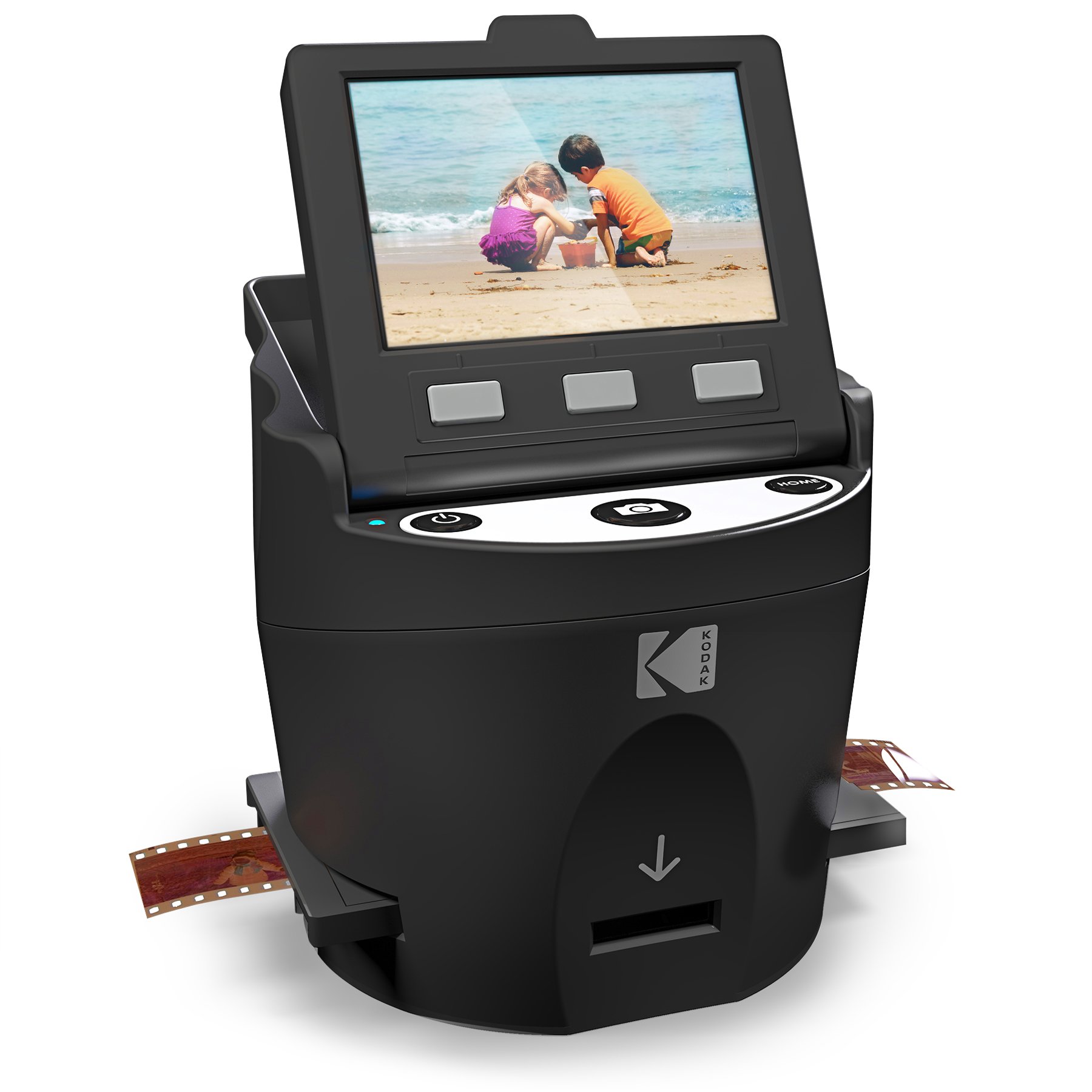
11,000+ ratings
Read Amazon ReviewsKODAK SCANZA Digital Film & Slide Scanner
Choose the Slide N Scan if the larger screen and its listed workflow suit your archive.
The SCANZA may fit better if you need the specified Super 8 or 8mm support, a tilting display, or the stated higher SD capacity.
- The SCANZA has a 3.5-inch adjustable-brightness, tilting LCD and supports 35mm, 126, 110, Super 8, and 8mm negatives and slides.
- It includes multiple inserts, one-touch buttons, and supports SD cards up to 128GB.
- The Slide N Scan has a 5-inch LCD and names 135, 110, and 126 negatives and slides as supported formats.
Slide & Negative Scanners alternative
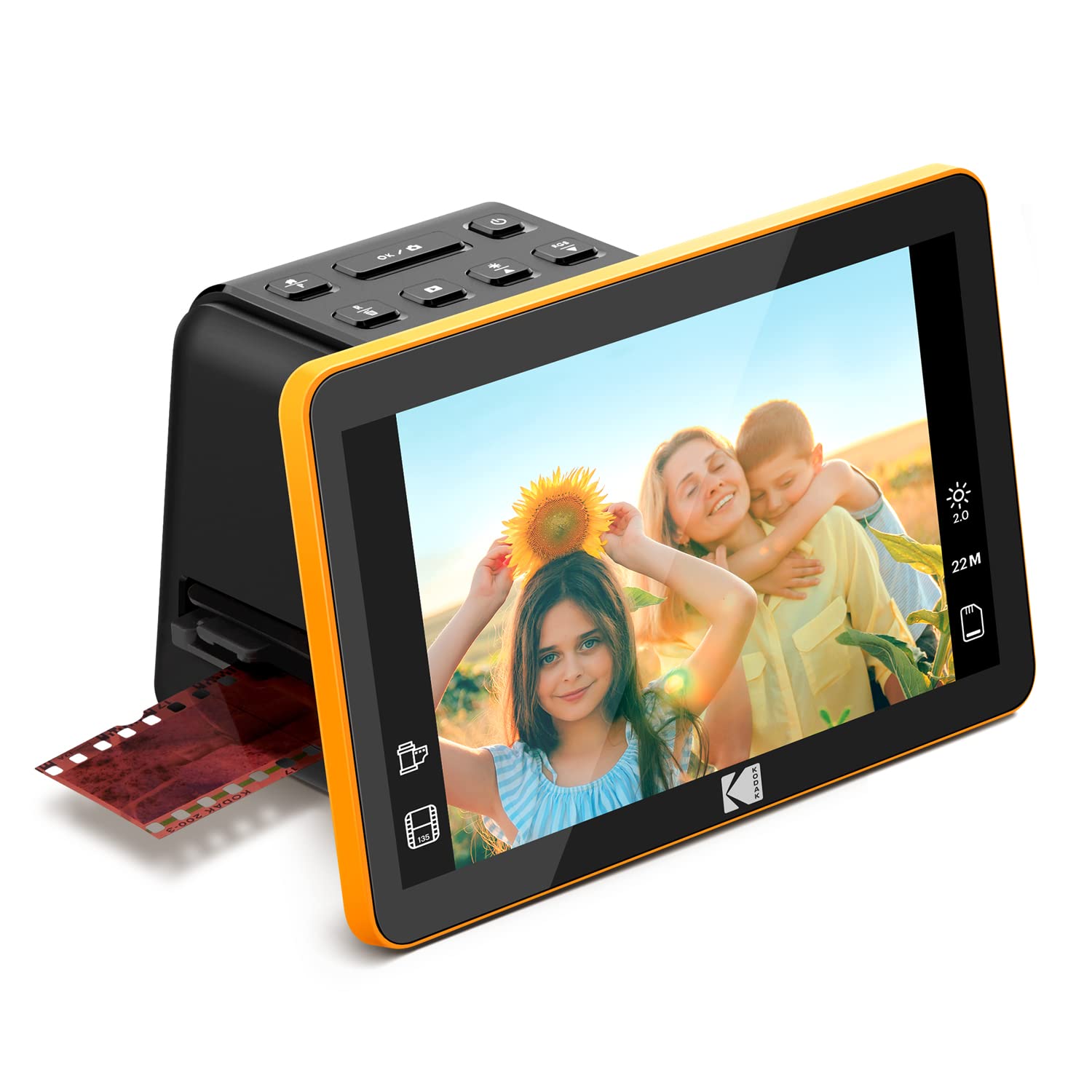
1,000+ ratings
Read Amazon ReviewsKODAK Slide N Scan Max Film Scanner
Both models target a similar selection of film formats and direct card saving.
The Max is worth comparing if its specified sensor and output description matter to your choice; the standard Slide N Scan emphasizes its 5-inch screen and included HDMI cable.
- The Slide N Scan Max is described with a smooth-moving tray, direct saving to SD or SDHC cards up to 32GB, and support for 135, 110, and 126 negatives and slides.
- Its listed output is up to 4208 × 3120 from a 13MP CMOS sensor with 22MP interpolation.
- The Slide N Scan uses a 5-inch LCD and specifies SD or SDHC cards up to 32GB for direct saving.
Is Slide N Scan Worth It?
The KODAK Slide N Scan is worth considering for a home collection of 135, 110, or 126 negatives and slides when convenient previewing and direct card saving matter.
Its 5-inch LCD, quick-feeding tray, and basic on-device adjustments make for an approachable digitizing routine.
Check format coverage, card capacity, and editing needs before buying, especially if the project is extensive or includes less common film. For compatible collections and straightforward sharing, it offers a useful balance of screen-based convenience and simple capture.
Your review at a glance
12,000+ ratings
Read Amazon ReviewsKODAK Slide N Scan
A practical fit for people digitizing 135, 110, and 126 negatives or slides who want to preview and save scans without a complicated setup.
- Converts 135, 110, and 126 negatives, including color and black-and-white film, as well as 50mm, 135, 110, and 126 slides.
- Produces JPEG digital files with an output claim of up to 22MP.
- A 5-inch LCD with a wide viewing angle supports previewing, editing, and gallery browsing on the device.
- Quick-feeding tray technology is designed for continuous loading; included inserts and adapters cover the stated film types.